How to Use Low Code video API Snippets and set up virtual video rooms
EnableX provides a comprehensive video conferencing solution for salespeople, customer support agents, and any other personnel who need to conduct meetings and conversations with their clients. With EnableX’s powerful low code and Rest APIs, creating and managing meeting rooms is simple and straightforward. The platform provides all the tools you need to set up and customize your rooms according to your specific requirements.
As a developer, you need the best video conferencing API for your team to communicate with your clients. EnableX provides different types of rooms tailored to your specific needs. Here are the room types and their scenarios that are suitable for Agent-Client Scenarios.
How to Create a Video Application
Creating a video application using EnableX is a simple process that can be done through the EnableX Portal. By following a few steps, you can have a video application ready to use for online classes or other purposes. The
- Login to EnableX Portal.
- Create a video project.
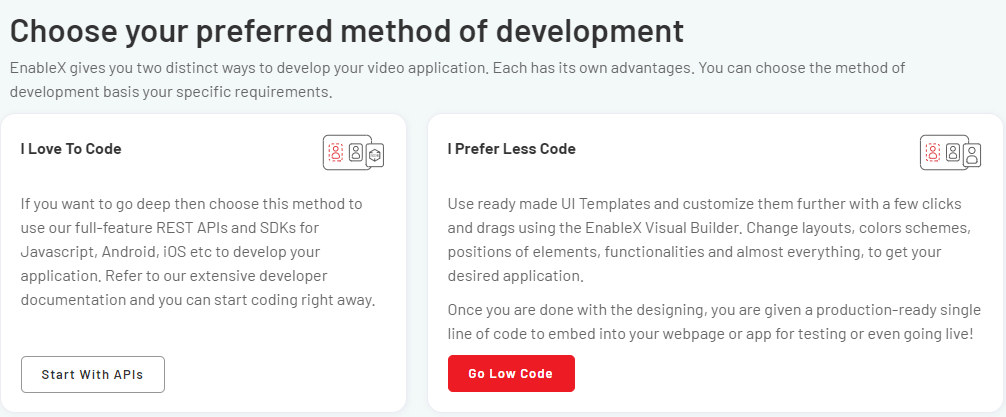
- Select Low Code as your preference.
Select a ready-made template for your use case or customise your own template by selecting Build From Scratch template. Read More
Comments
Post a Comment